Spruce
Customer Follow-up
Keep appointment updates, customer messages, and staff follow-up in one workflow.
When schedules change or a customer needs attention, staff need the relevant details without searching through separate conversations. Spruce connects booking information to the next message or review step.
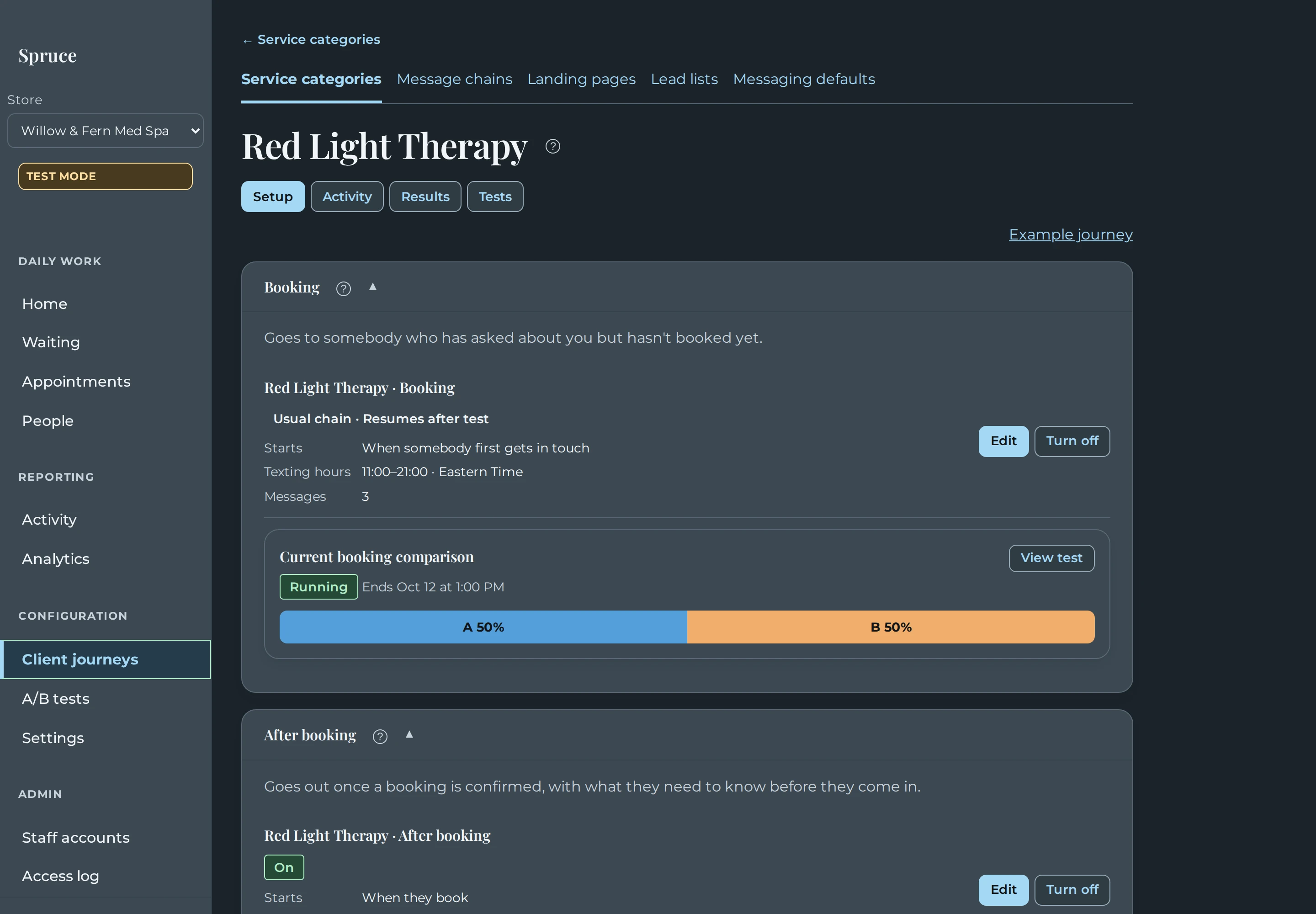
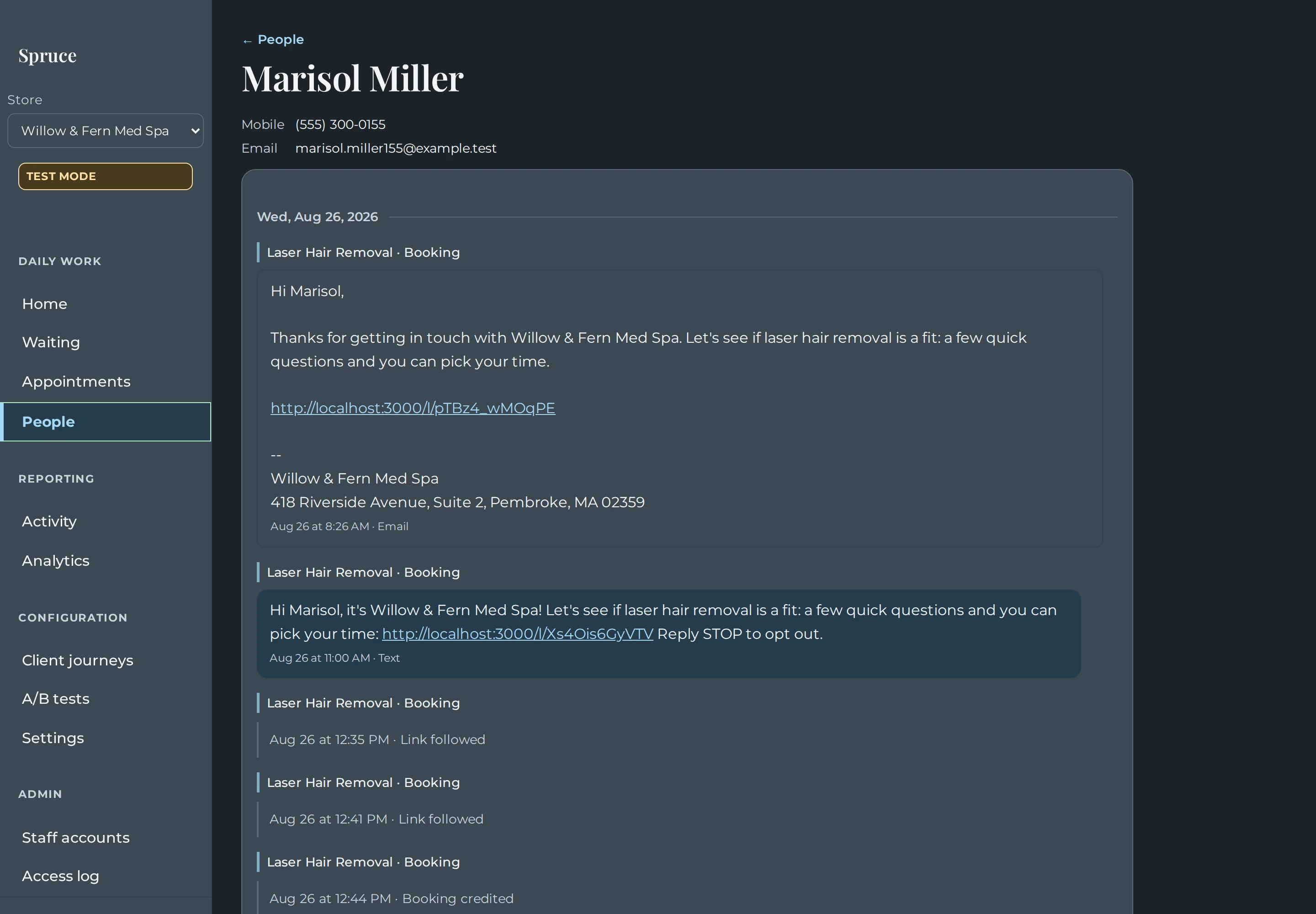
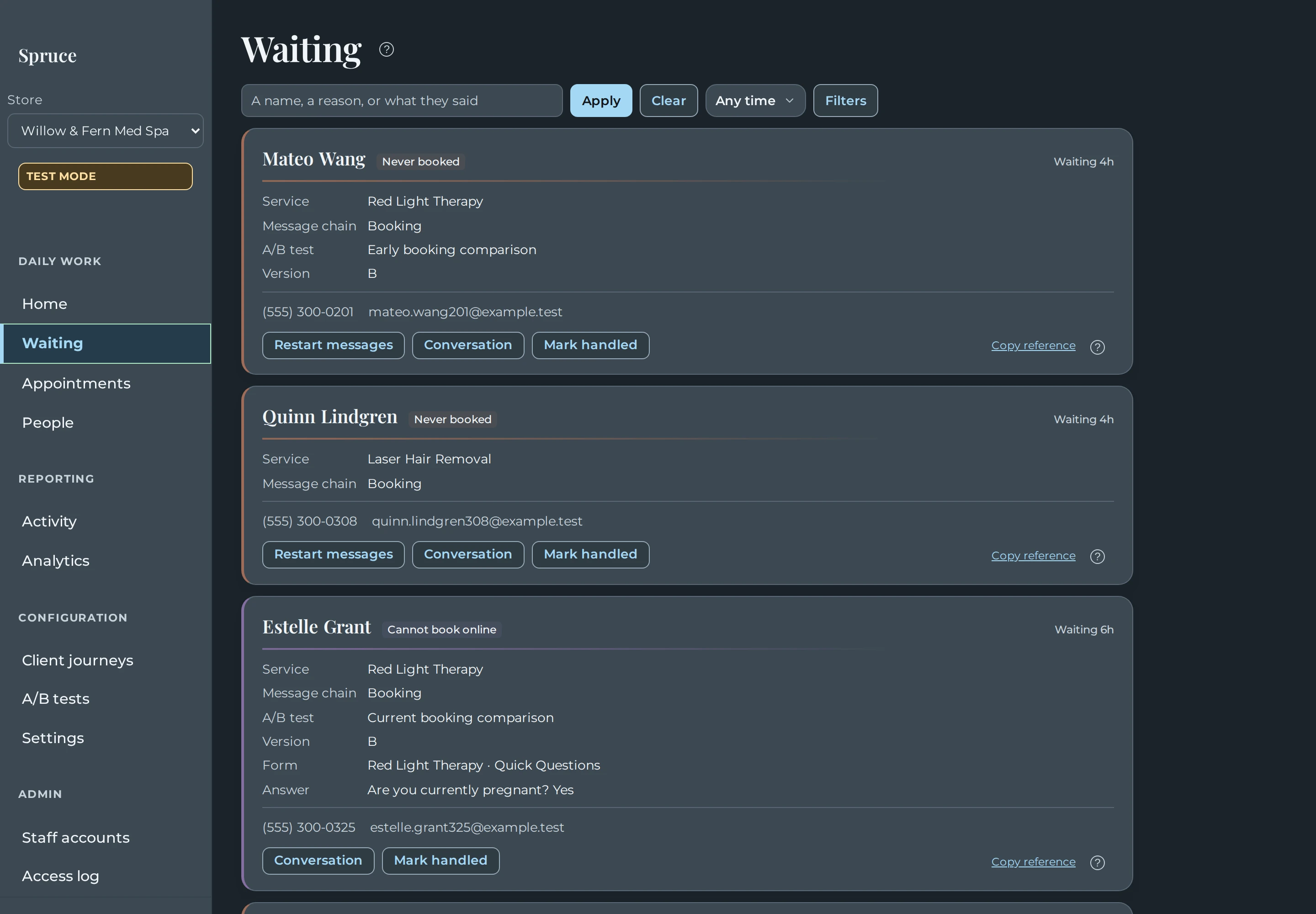
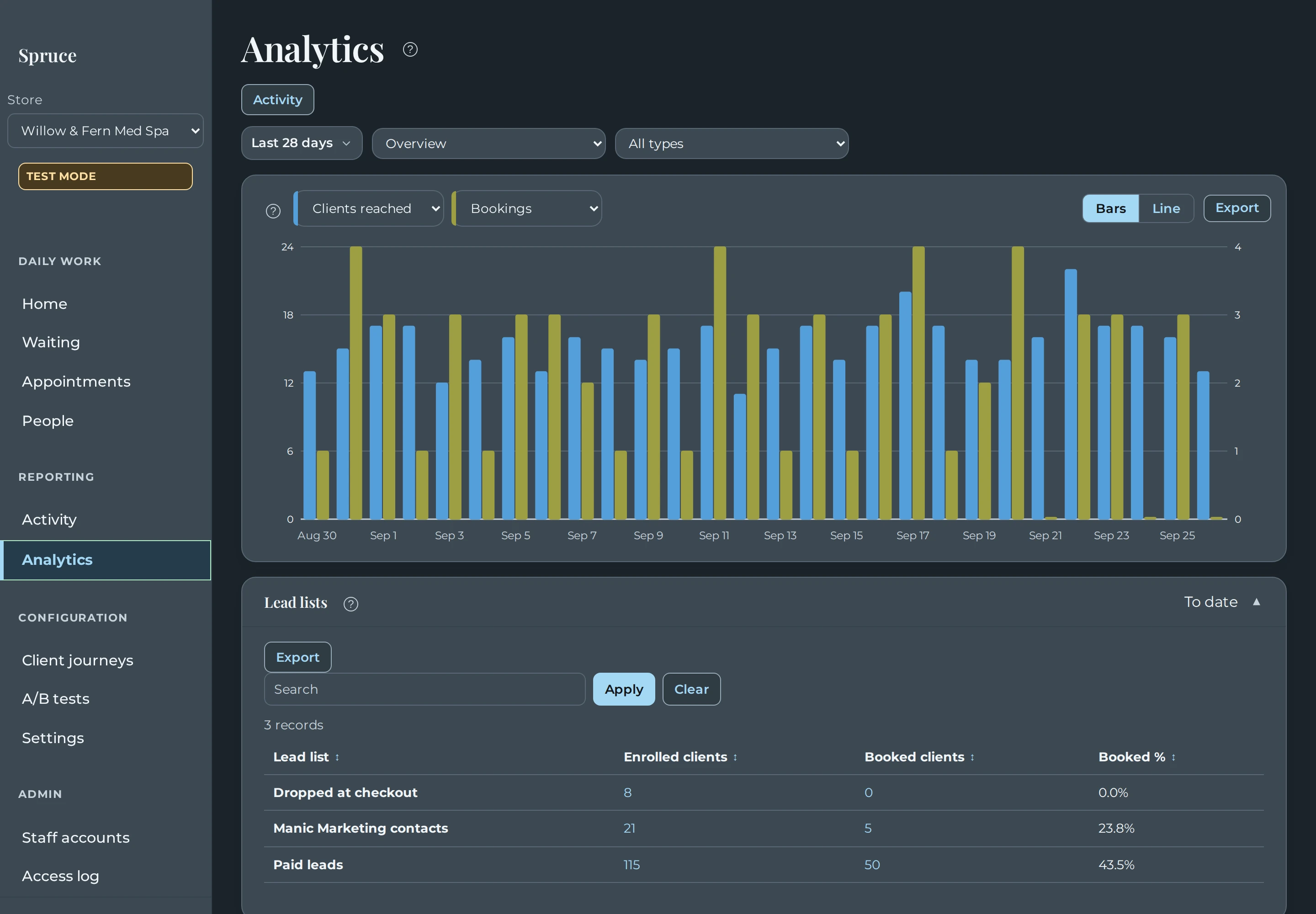
The configured journey brings message wording, delays and stopping conditions together.
1 / 4 · Client journey
Features
Booking updates
Use appointment changes to keep reminders and follow-up tied to the right booking.
Configured messages
Choose the message chain for each client journey and edit the messages in one place.
Timing rules
Set delays and conditions for each message, including when a reply or booking stops the chain.
Staff review
Open a waiting case with its reason, customer details, and conversation before deciding the next step.
How it works
Booking-system integration supplies appointment updates to a workflow engine. Configured rules determine when to send a predefined message or bring a case to staff for review.
How we practice with fictional customers →
Related services
Topics
- Customer follow-up
- Booking integration
- Workflow automation