Studio Library
Media Asset Management
Find the right media without digging through folders or losing the details behind it.
Reviewing images, audio, and video is easier when versions and working notes stay close to the files. Studio Library lets a team browse its media and organize the work it wants to use.
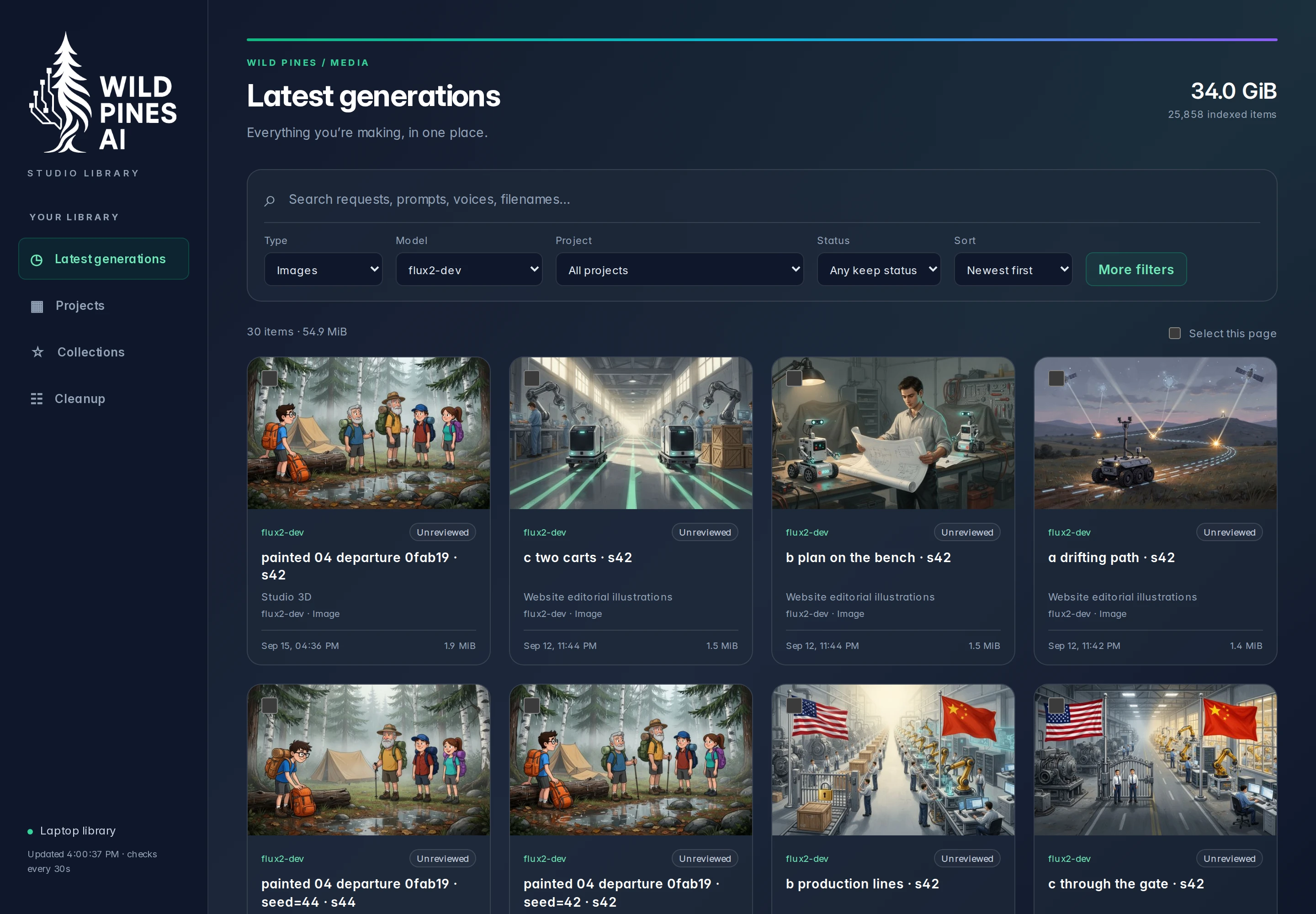

1 / 2 · Image library
Features
Search & filters
Narrow thousands of files by media type, model, project, date, or review status.
File context
Open a preview alongside the prompt, model variant, and settings that produced that version.
Review labels
Mark files to keep, leave them for review, or identify temporary output during cleanup.
Collections
Group assets for a project or handoff while keeping one original file and its generation history.
How it works
A background index links existing files to searchable metadata, including project and generation settings. Labels and collections organize references to those files, so a new grouping does not create another copy.
Building an interface for our multimedia experiments →